
Your Financial Data.
One Dashboard.
Connect your banks, cards and brokerages once. Moneylogz keeps everything current, matches receipts and invoices to the charges that paid for them, and answers questions about your money in plain language.
14-day free trial · Included with every plan · Banks in the US and Canada
Everything the app does
Nine screens, one set of data. Every figure on the dashboard links back to the screen it came from, and every screen links back to the records behind it.

- Net worth, assets vs liabilities, credit utilisation and cash runway
- What needs your attention, with a link to fix it
- Recent activity across accounts, documents and trades

- Connect banks, cards and brokerages, and choose what each shares
- Connection health, re-authentication and renaming
- Sub-account drawer with statements, card members and spend

- Full filterable list with running totals
- Reconcile queue of every charge still missing paperwork
- Docked inspector with suggested documents, best first

- Upload PDFs and photos; vendor, date, total, tax and line items are read for you
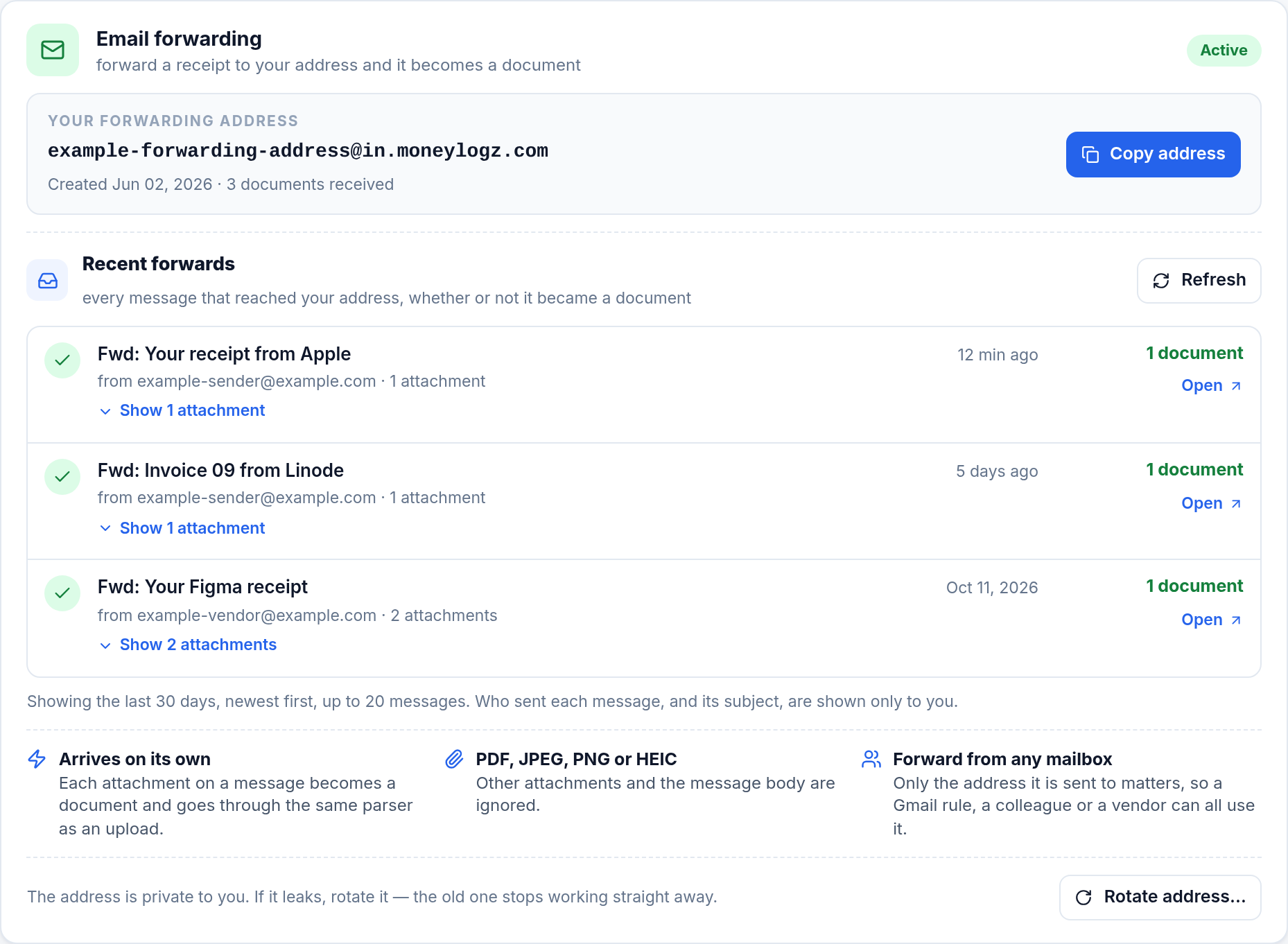
- A private email address that turns forwarded invoices into documents
- Review and match queues, bulk actions, Google Drive backup

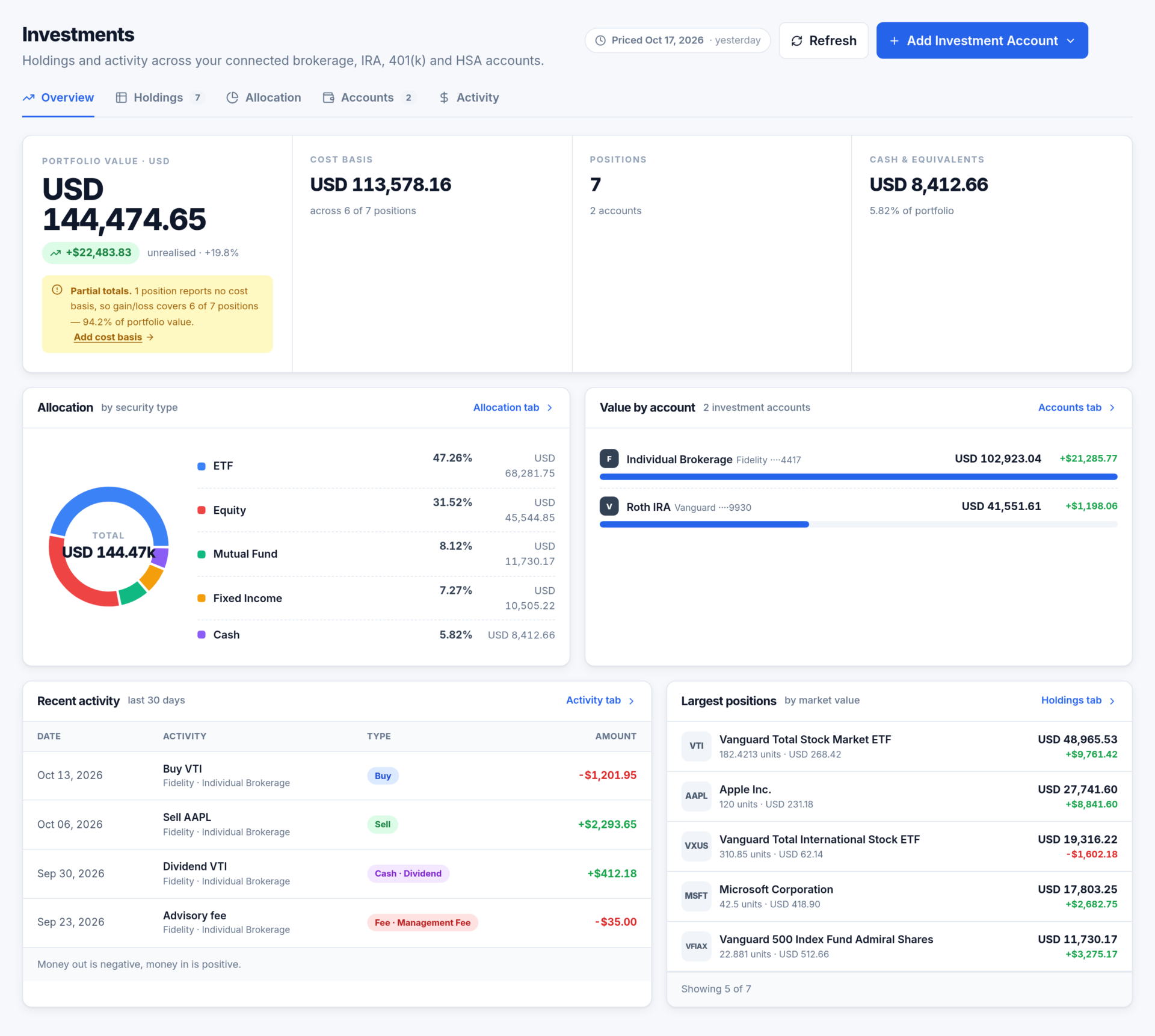
- Holdings, allocation, cost basis and unrealised gain per position
- Buys, sells, dividends, fees and transfers over any range
- Read-only: Moneylogz never buys, sells or moves a position. It reads what your broker reports.

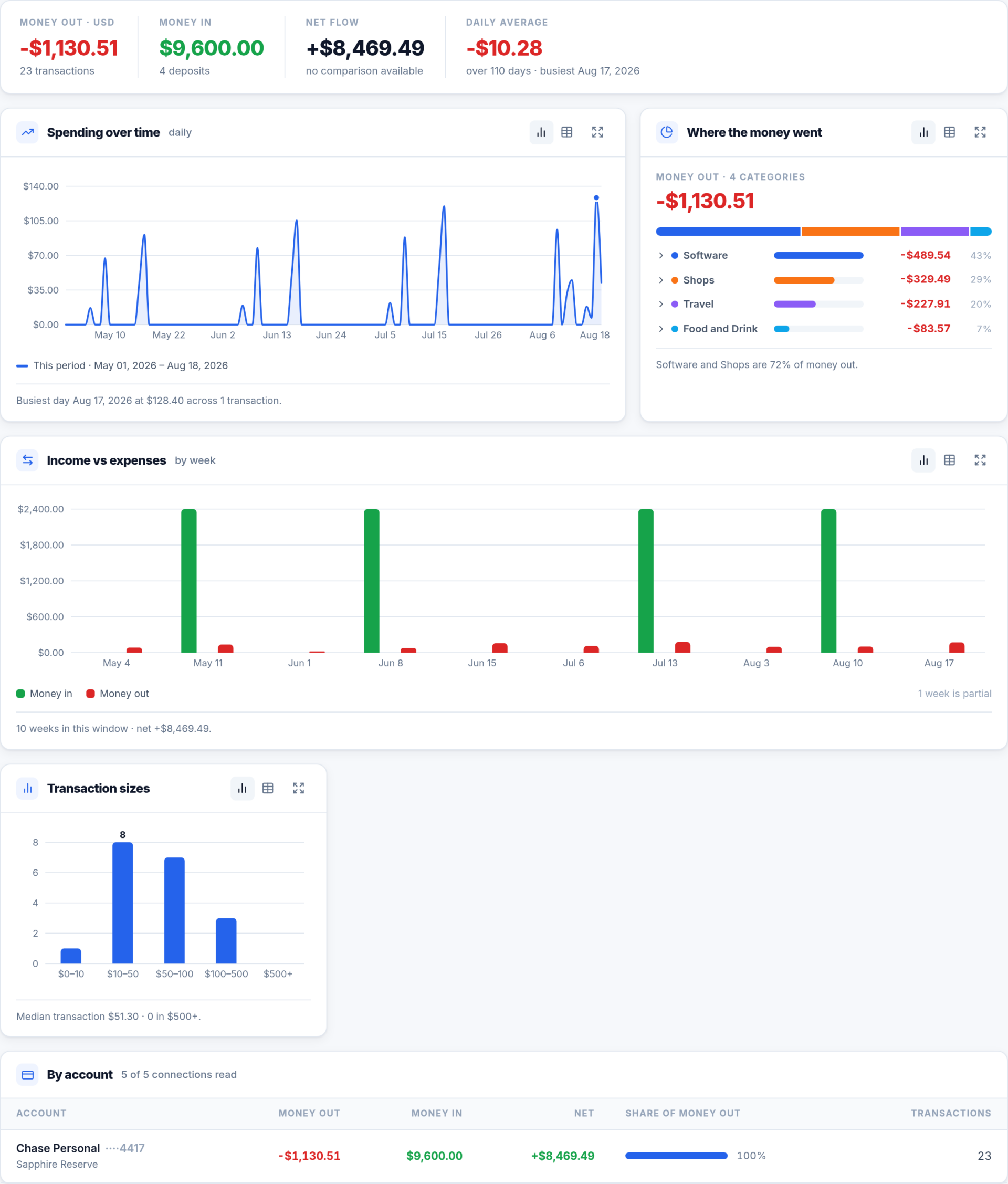
- Spending over time against the previous period
- Top categories and merchants, what changed, recurring charges
- Every card as a chart, a table or a CSV download

- Ask about balances, spending, documents or holdings in plain language
- Answer cards built from your own records, never written by the model
- Every figure links to the transaction, document or account behind it

Connections
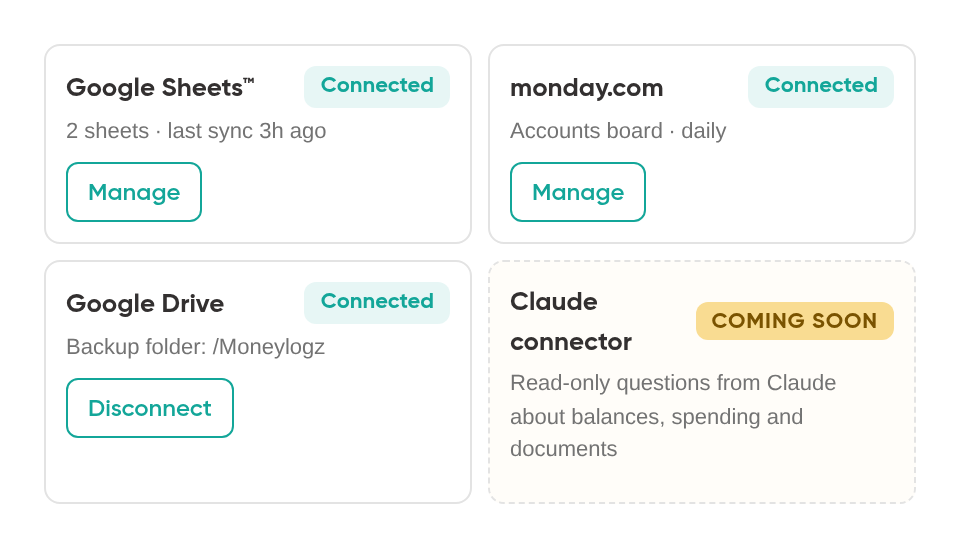
- Google Sheets™ add-on and monday.com, kept in sync daily
- Gmail import and Google Drive backup
- Claude connector Coming soon
A closer look at each screen

Dashboard
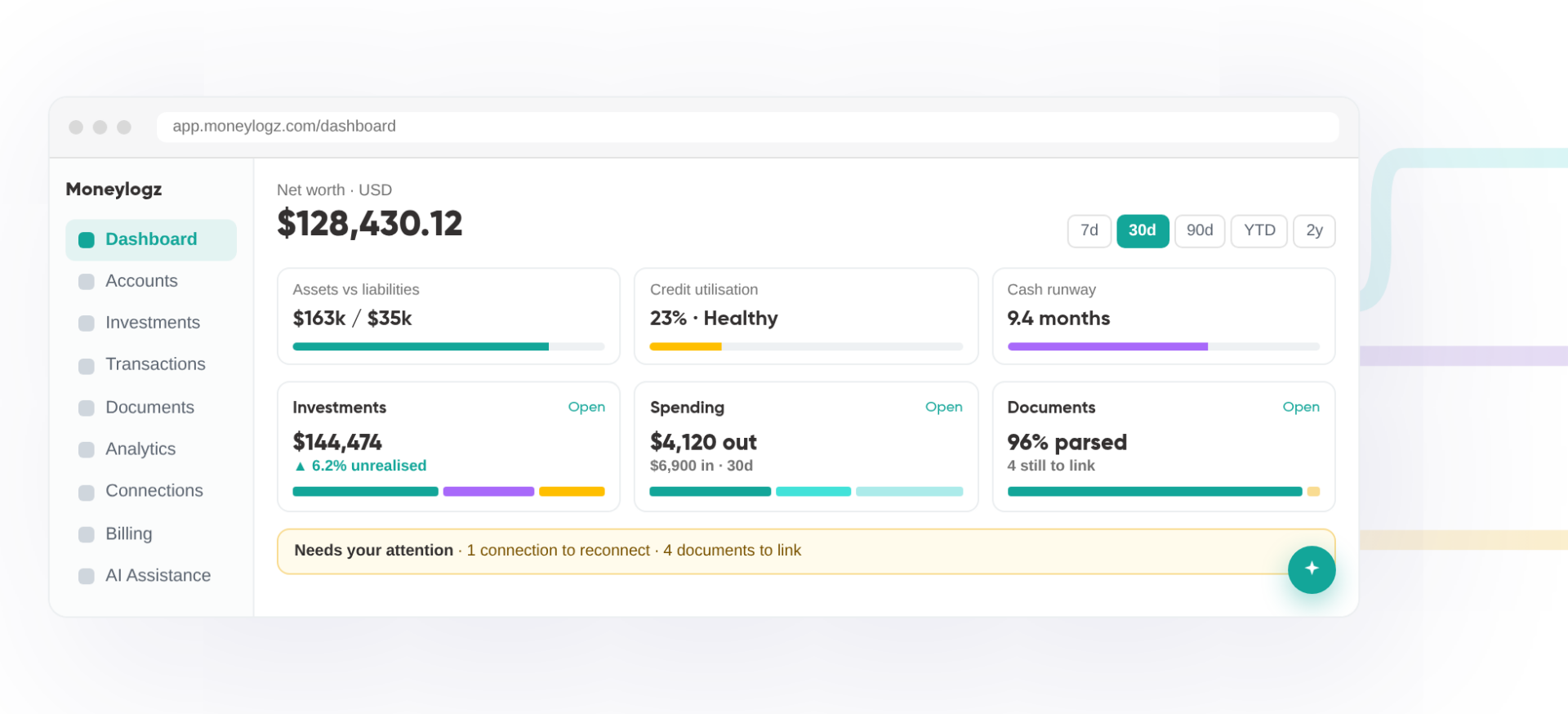
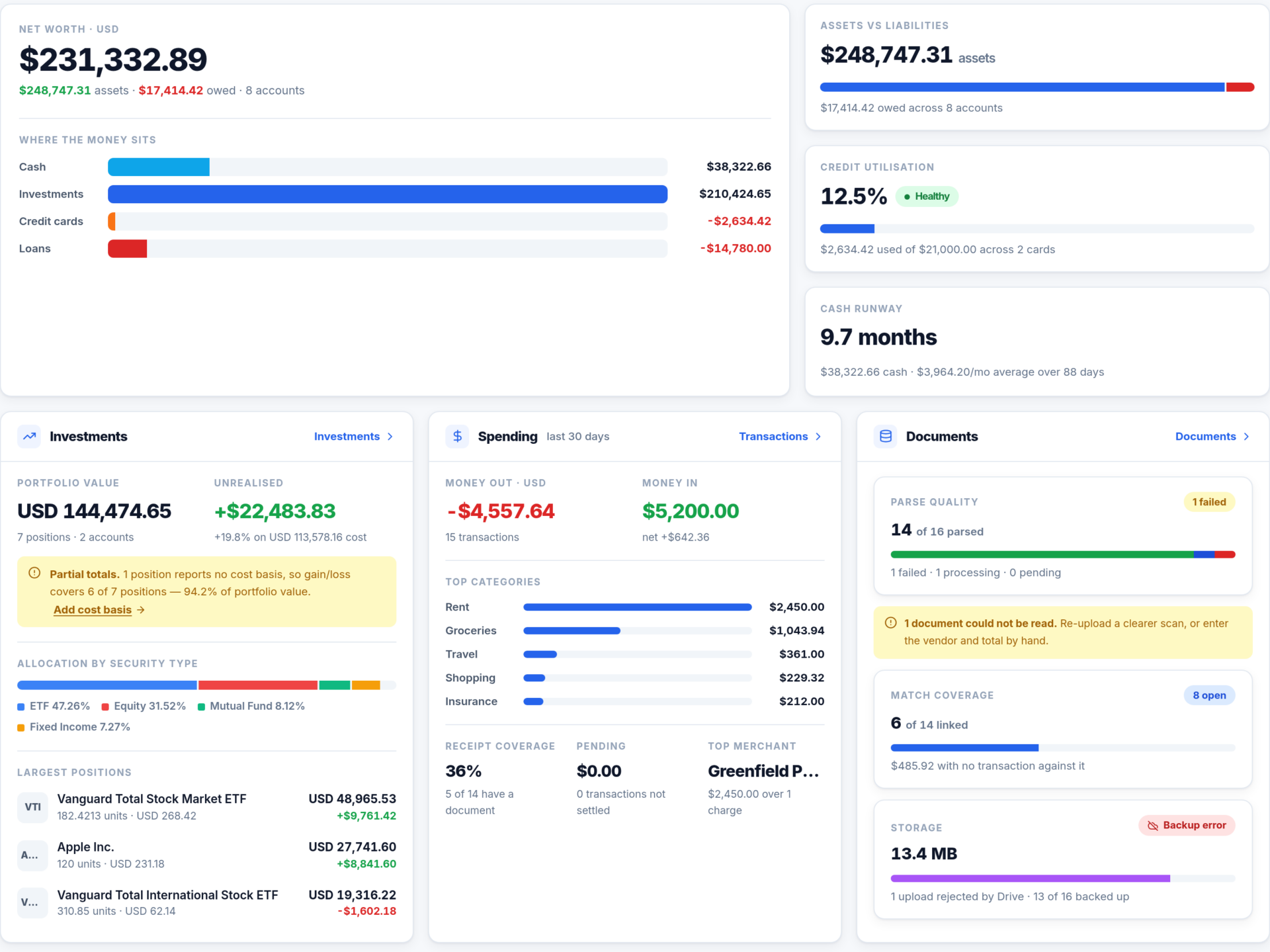
The screen you land on. Net worth and three meters across the top, a card each for Investments, Spending and Documents, then what needs you beside what just happened. A bank that has stopped reporting is named, not silently dropped from the totals.

Accounts
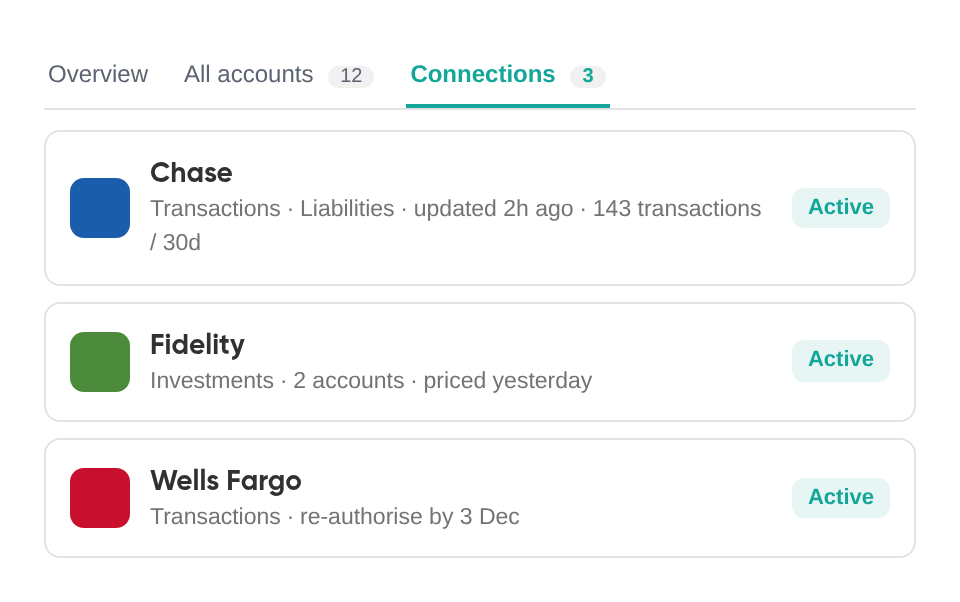
Add a bank, card or brokerage and tick what it should share: transactions, liabilities or investments. The Connections tab leads with anything broken, each card carrying the reason and the action that fixes it. Every figure is the balance your bank last shared, with the time it was shared.

Transactions
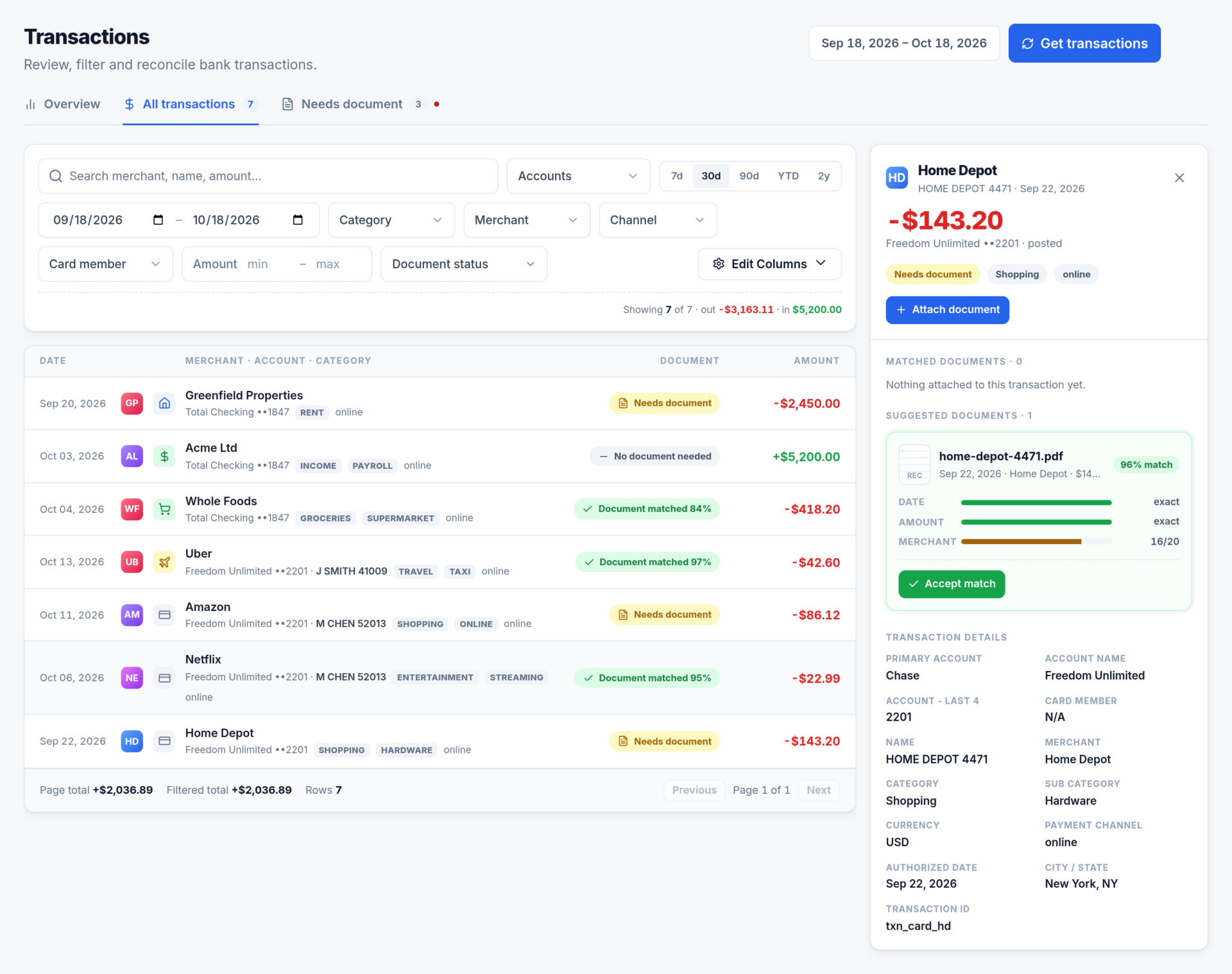
Pick a date window and load it. Overview is the period at a glance, All transactions is the filterable list with running totals, and Needs document is the reconcile queue with its count on the tab. Click a row and the inspector docks beside the list with the documents attached and the ones suggested.

Documents
Upload receipts and invoices, or forward them to the private Moneylogz address every account gets. Each file is read for vendor, date, total, tax and line items. Confirm what was read in the inbox, then match each document to the charge that paid for it. Anything scoring 80% or above can be accepted without opening it.

Investments
Connect a brokerage with Investments ticked and every position arrives with its quantity, price, cost basis and unrealised gain, alongside the buys, sells, dividends and fees behind it. It is read-only. Moneylogz never places or cancels a trade, never moves money and never changes anything at your institution; it reads what your broker reports, as of the date it was priced.

Analytics
Where did the money go? Money out, money in, net flow and daily average across the top, then spending over time against the previous period, the categories and merchants that took the most, what changed, which charges recur, and which account each dollar left. Every card can be read as a chart, a table or a CSV.

Connections
The Google Sheets™ add-on, monday.com and Google Drive live here with their current status, so the spreadsheet your bookkeeper wants and the dashboard you want read the same connections. The Claude connector will join them when it ships.
Ask, don’t filter.
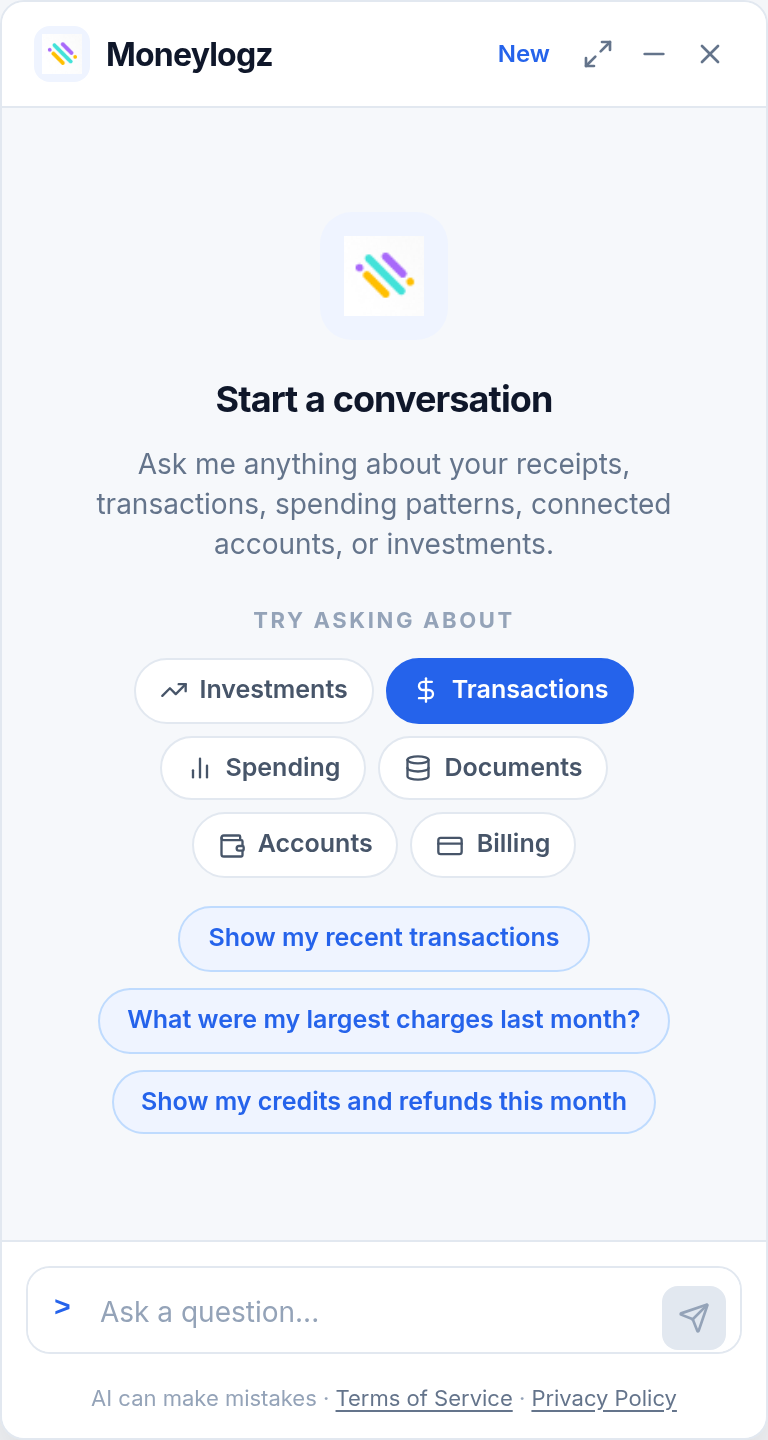
AI Assistance answers questions about your money in plain language: what you spent, where it went, which connections need attention, what your plan covers. It opens from the sparkle button on every screen or as a screen of its own.
Every answer is a card of figures read straight from your own records. The model writes the sentence around the card; it never writes the numbers. And every row links to the transaction, document, account or holding behind it.
Works with the tools you already use
The Google Sheets™ add-on and monday.com app are not going anywhere. The web app reads the same connections, so a bookkeeper can keep their spreadsheet while you keep the dashboard.

Google Sheets™
- Pick a sheet, map the columns, and new documents and transactions are written in as they arrive.

monday.com
- Your accounts and transactions on a board, with the same daily updates.

Google Drive
- A copy of every original file in a folder you own, named by vendor and date.

Claude connector Coming soon
- Ask Claude about your balances, spending and documents. Read-only, scoped to your account.
Included with every plan
The plans differ only by how many accounts you connect and how many documents are parsed each month. Every feature above is on every plan, and every plan starts with a 14-day free trial.
Questions people ask
Do I need the Google Sheets™ add-on to use the app?
No. The app, the add-on and the monday.com integration all read the same connected accounts and are included with every plan. Use whichever you prefer, or all three.
Which banks and brokerages can I connect?
Institutions in the United States and Canada, through Plaid. Search the integrations directory to check yours.
Can Moneylogz trade or move money for me?
No. Investments, like every other screen, is read-only. Moneylogz reads what your broker reports and never places, cancels or changes anything at your institution.
What does Moneylogz store?
Balances, transactions, the documents you upload or forward, investment holdings and your assistant conversations, so the app can show them to you. The privacy policy lists each one and how long it is kept.
Start your 14-day free trial
Every feature on every plan. Your card is taken at checkout and nothing is charged while the trial runs; cancel before it ends and you pay nothing.