 Moneylogz
Sync Your Finances
With monday.com
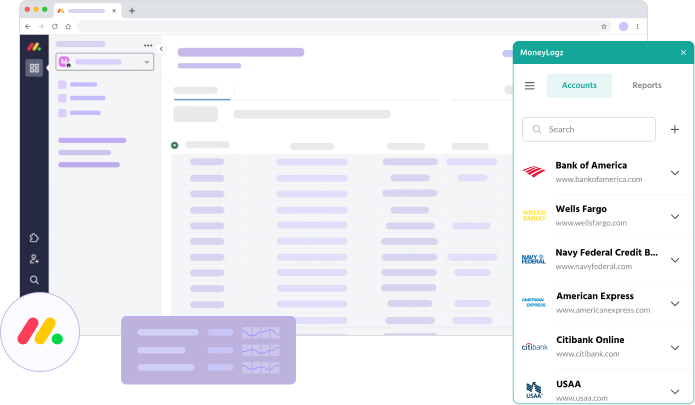
Moneylogz syncs financial information from 12,000+ banks & financial institutions straight to your monday.com dashboards.
Your Business’s Financials on monday.com,
Automatically Updated Daily

Bookkeeping Made Easy on monday.com
Securely log in to any of the 12,000+ supported banks & financial institutions straight from your monday.com workspace to automatically sync your financial activity to any board or widget.
Unlock the power of monday.com by creating custom workflows and tracking tables that automatically update with real financial data.
Download the Moneylogz monday.com app from the App Marketplace to start for free!
Moneylogz integrates
with 12,000+ banks, credit cards and other financial institutions
How It Works

STEP 1: INSTALL MONEYLOGZ
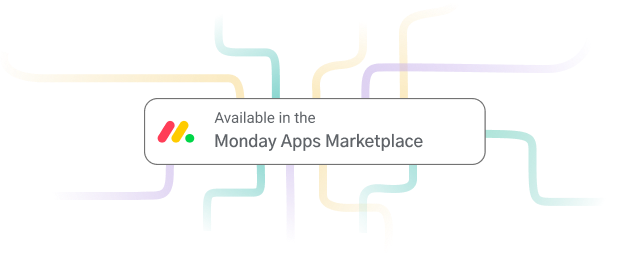
Install Moneylogz from monday.com’s app marketplace. Once installed, it will show up in the Widget Apps menu of any monday.com dashboard.

STEP 2: CHOOSE YOUR DATA SOURCE
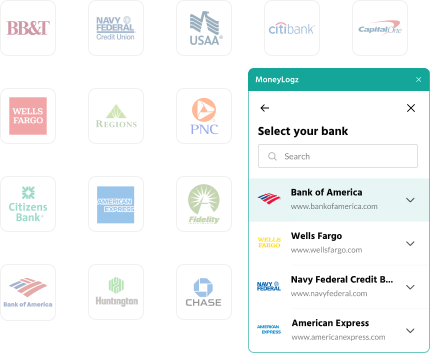
Choose your bank or credit card provider from 12,000+ supported financial institutions.
Browse the full list of financial institutions here.

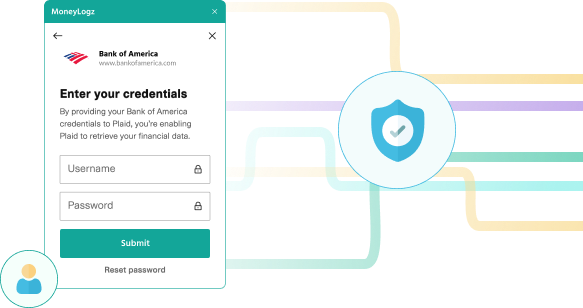
STEP 3: SECURELY LOG IN TO YOUR ACCOUNT
Securely log in directly to your financial accounts. Moneylogz has no access to your bank account credentials.

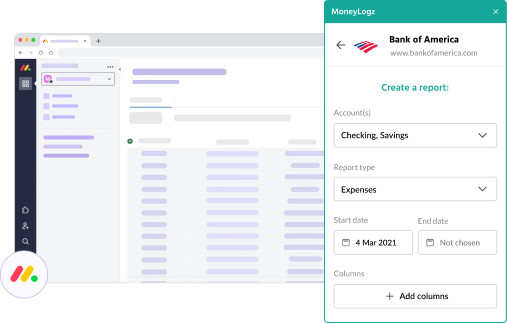
STEP 4: CREATE CUSTOM DATA SYNCS
Control every aspect of your financial data sync: sub-accounts, columns, transaction types and much more!
FAQs
What is Moneylogz?
Moneylogz is an add-on that connects different platforms like monday.com, Airtable, and Google Sheets to bank accounts and other financial institutions to automatically import financial data.
Forget about manual CSV exports and data entry or inaccurate financial reporting. With Moneylogz, your Google Sheet will always be up to date with your most recent transactions from 12,000+ financial institutions.
How many financial institutions are supported?
Moneylogz supports 12,000+ financial institutions, including leading banks and credit card providers like Chase Bank, Bank of America, American Express, and many more.
For the full list – check out our supported banks and credit cards page.
Does Moneylogz segment transactions into categories?
You can easily use Moneylogz to update your Google Sheet pivot tables with transaction summaries and trackers.
With our automated segmentation feature, each and every transaction is reported in a category as well as a sub-category.
For example:
An expense from “Uber” will be labeled as “category=travel” and “sub-category=taxi”
Will Moneylogz be able to access my bank account?
No. Your financial credentials cannot be accessed by our servers. For more information please read our complete security statement.
Can I get in touch with the Moneylogz team?
Yes, absolutely.
You can get in touch with us here.