Moneylogz
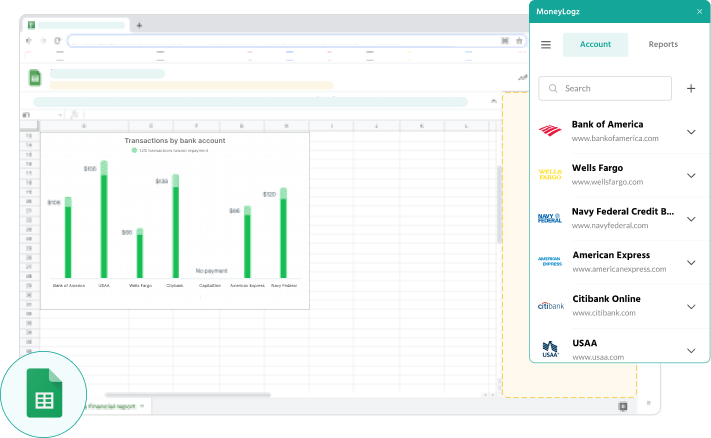
Install the Moneylogz Google Sheets add-on from Google Workspace Marketplace.
Securely log in to any of the 12000 supported banks and financial institutions to automatically sync your financial data.
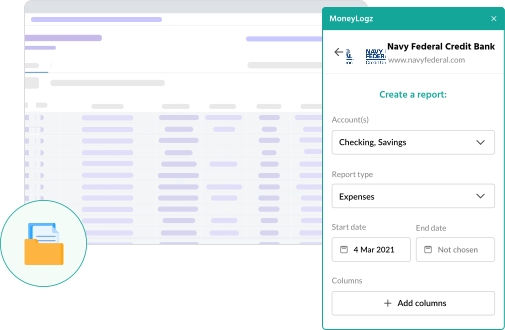
The report settings page lets you choose sub-accounts, date ranges, report types and much more!

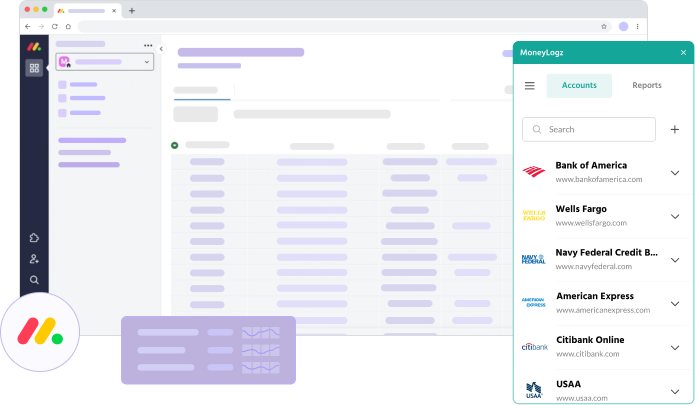
Securely log in to any of the 12000 supported banks and financial institutions directly from your monday.com workspace to sync your financial activity to any board or widget.
Unlock the power of monday.com by creating custom workflows and tracking tables that automatically update with real financial data.
Install the Moneylogz monday.com app from monday.com’s App Marketplace to start your free trial!

Install Moneylogz from the app store or marketplace of your choice.

Choose your bank or credit card provider from a list of over 12000 supported financial institutions.
Browse the full list of financial institutions here
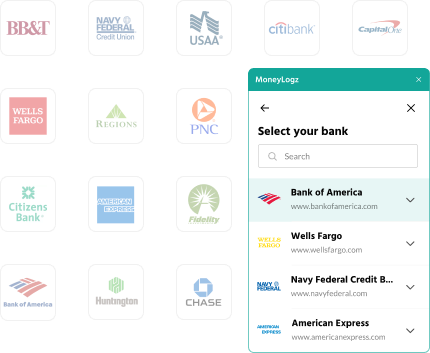

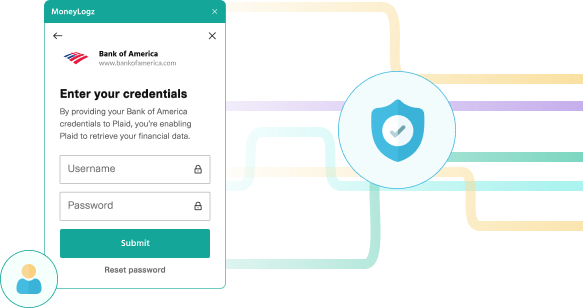
Securely log in to your financial accounts.
Moneylogz has no access to your bank account’s credentials.

Control every aspect of your financial data sync: sub-accounts, columns, transaction types, and much more!